Unit 2: Intolerance in Daily Life (Opinion)
 on on on on
on Time flew by, and I still can’t believe that we are about to finish the semester because I feel like we were just starting classes yesterday.
It has been a very difficult semester for me honestly but I have put all my effort into getting through it. I haven’t done great but I can’t complain either. I didn’t manage to exempt myself from everything like I wanted to but that’s okay, it will be my goal for next year lol.
I learned a lot of interesting things in all subjects and also very difficult things that I haven’t mastered yet. I am also still learning to overcome my fear of speaking and hopefully next year I will be able to do it without difficulties.
I hope that next year we will continue to use our blog, even though sometimes I forget to upload my homework (oops) I find it very fun to use.
See you next year!


on on At first, I wasn’t sure if I agreed with technology in education, but after this course, I realized that it really does help.
The only bad thing is that I got a little excited when I thought I was going to learn how to use Excel, but unfortunately, that was not the case.
I learned many new things that I would like to implement in my classes in the future.
There were things that I still have a hard time understanding, like TPACK, which made my life impossible, but I will try to understand it on my own.
I really enjoyed working collaboratively with my classmates on different tasks and using different new platforms.
Even though I would have liked to have learned even more about different platforms that I think are important to know how to use, I think it was a good course and I learned many useful things.

on ClassDojo is used to monitor student behavior, communicate with parents, build a classroom environment, and is primary school-oriented because of its interactive, colorful design. Also, you can create your own monster to participate in an island called the “classroom”. Parents can access the class for free. It has interactive activities. This platform also gives you invitations for parents.
On the other hand, Google Classroom is designed to create and assign homework for mature students, like those at the university level. On this platform, if you want to access better tools, you have to pay. It’s a more serious platform because teachers just upload material and the students answer on a certain date.
Both platforms work well depending on the course and needs; in both, you can collaborate and communicate with the students.
Impresion de invitaciones para las familias


on Personal comment:
The talk made me think about how computers and technology are changing education. They can help teachers make better learning materials and understand what students need to learn. But the important thing is that teachers are still very special.
Teachers do more than just give information. They are like mentors, motivators, and helpers for students. They make a personal connection with each student and create a nice environment for learning.
What I really liked is that the talk said teachers can use computers and technology to make teaching even better. So, even with all the new technology, teachers are still the most important part of learning. They make learning not just about facts but also about inspiration and personal growth.
Activity:
1. The teacher starts by introducing the podcast episode and its topic. Explain the purpose of the activity, which is to enhance students’ comprehension and critical thinking skills.
2. The teacher provides some context by discussing the title, host, and any background information related to the podcast episode. Ask students to predict what they might hear based on this information and what they already know about the subject.
3. Students listen to the assigned podcast episode carefully. They can use their devices or headphones. Encourage them to take notes during the podcast.
4. Ask students to share their initial thoughts and reactions to the episode. Discuss important themes, ideas, and content from the podcast. Encourage students to refer to their notes.
5. Ask students to write a short reflection on the podcast episode. They should consider what they’ve learned, how it relates to the course material, and any insights gained.
6. Summarize the main takeaways from the discussion and reflections.
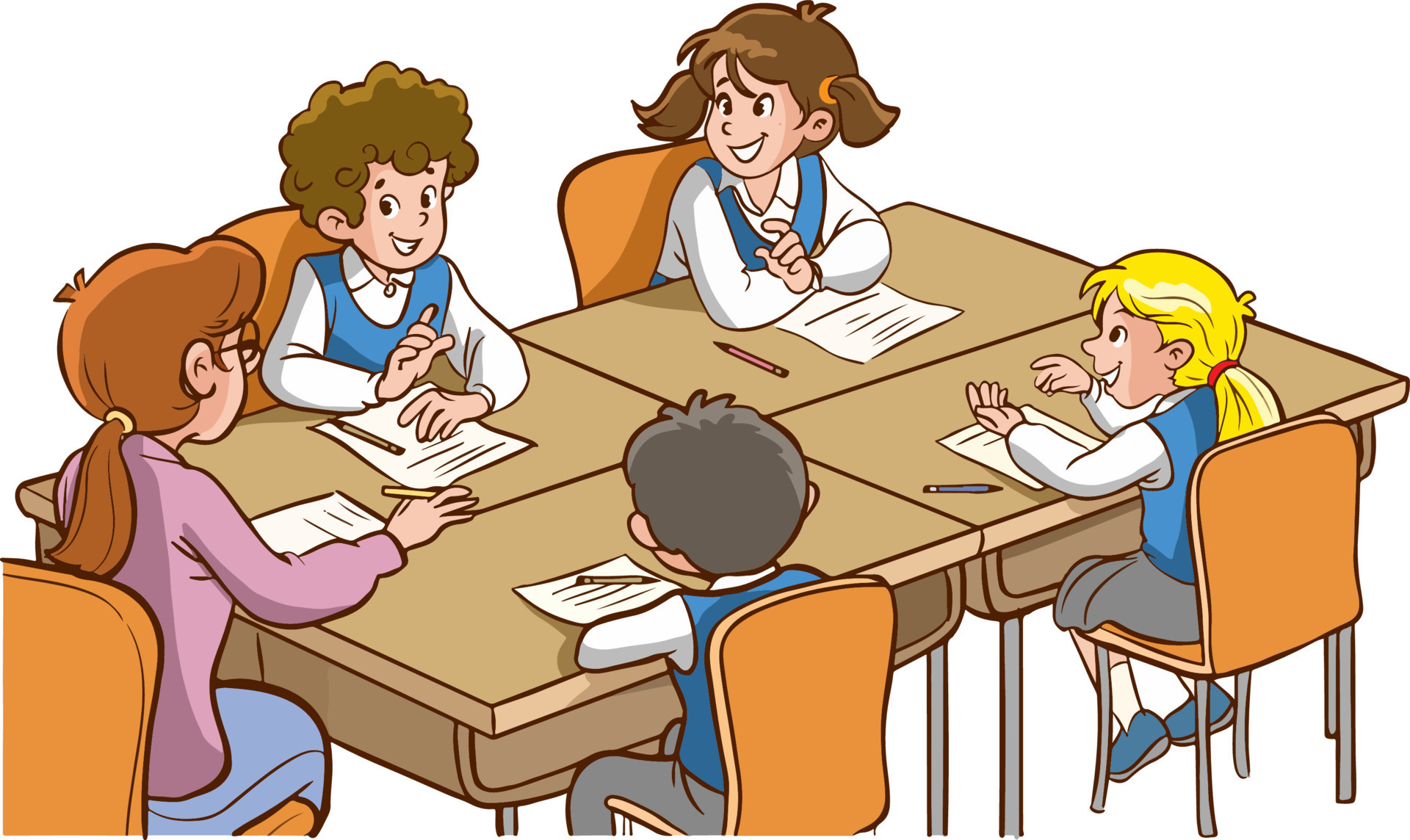
on Well, in this unit, we saw the TPACK and SAMR models, and to be honest, I didn’t really understand them. I struggled a lot with the class and home participation about TPACK because, for me, it was the most difficult one. I found the TPACK model challenging because it required a deep understanding of how technology, pedagogy, and content knowledge come together. Both models provided valuable structures for improving my teaching practice and incorporating technology effectively in the classroom.
They really look important, so I would like to fully understand them and be able to use them correctly, because even with some help, I wasn’t sure about what I was doing, and well, in the future, I think it’s all going to be very technological. So, I don’t feel prepared to use these models in a useful way.
I can’t give you any tips because I will be totally lying to you about the information I’m giving you. But I’m determined to learn more about TPACK and SAMR by looking for new resources and doing more practice. I am convinced that with time and effort, I will fully understand the principles and be able to use them in my teaching.
I hope to tell you guys next year that I finally understood the models.
 on
on TOLERANCE IN DAILY LIFE
Speaking activity:
•Research on Tolerance in daily life.
•In groups of no more than 5, write a scene/situation where tolerance can be put (or not) into practice.
•Record a video following the written script. You can edit your video using canva, capcut, clideo, etc.
•Post your video on your edubogs💋
•Watch and leave a comment on a classmates video, reflecting on whether the people in it showed tolerance or not.
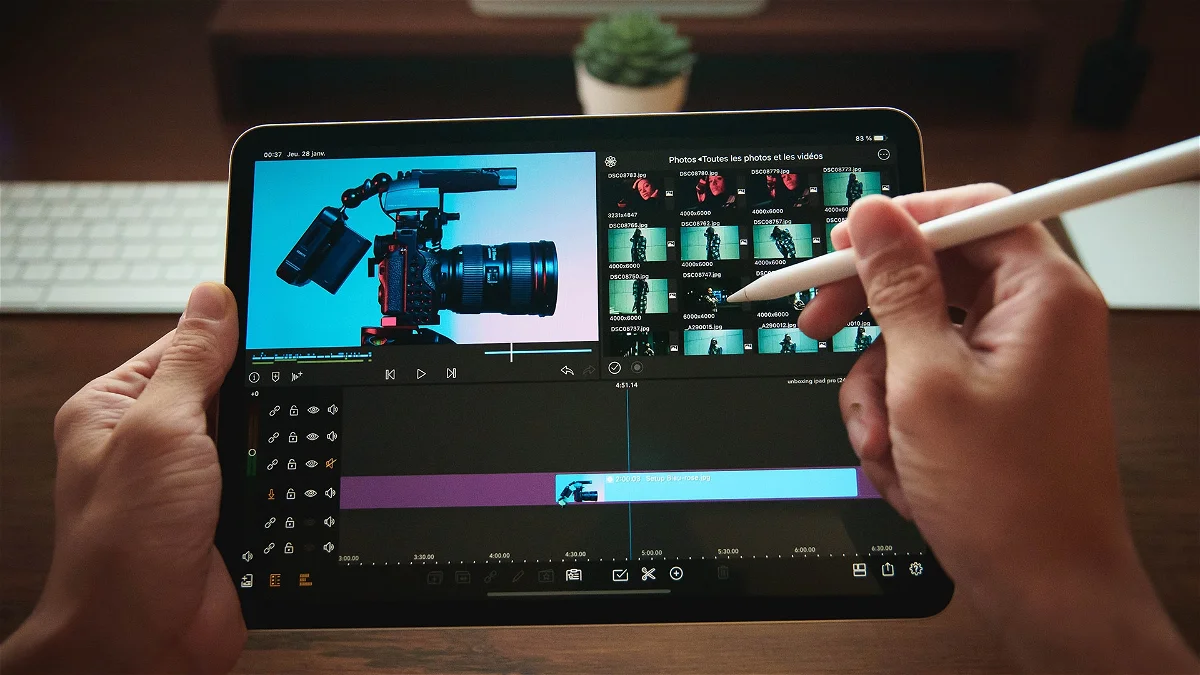
Technological knowledge: Use of search engines encourages students to be selective on the information they read and use, online blogs and video editors help students engage more with the activity, while they learn how to navigate on these sites.
Pedagogical knowledge: Students learn to use video recording equipment and possibly use video editing software.
Teachers may provide technical guidance but also emphasize pedagogical strategies for effective communication in a video format, including visual and auditory elements, and presentation
Content knowledge: Teachers will start by talking about tolerance, emphasizing why it’s important in our everyday lives. they’ll explain the main ideas and give examples to help students understand.
Teaching methods may involve conversations, lectures, and using different learning materials to make sure students have a basic grasp of tolerance.
Learning outcome
By the end of the lesson/activity, students will be able to distinguish situations that require people to put tolerance into practice.
With Fran💋🫶🏻